Contents
- 01What is Node.js? The Foundation of Server-Side JavaScript
- Key Characteristics of Node.js:
- 03What is Next.js? The React Framework for Production
- Key Characteristics of Next.js:
- 05Next.js vs Node.js: A Head-to-Head Comparison
- 1. Purpose and Scope
- 2. Front-End vs. Back-End
- 3. Level of Abstraction
- 4. Development Workflow
- 10When Should You Choose Node.js?
- Use Cases for Node.js:
- 12When Should You Choose Next.js?
- Use Cases for Next.js:
- 14What are some Next.js alternatives?
- 15Conclusion: It's Not a Competition, It's a Relationship
When you're starting your journey in web development, the sheer number of tools and technologies can feel overwhelming. Two names that frequently pop up in the JavaScript world are Next.js and Node.js. They both play crucial roles in building modern web applications, but they serve fundamentally different purposes. For a beginner, confusing them is easy, but understanding their distinct roles is key to making smart architectural decisions for your projects.
This guide is here to clear up the confusion. We will break down the core concepts of Next.js and Node.js, explore what makes them different, and help you understand when to use each one. We'll look at their specific use cases, weigh their pros and cons, and provide a simple framework for choosing the right tool for your needs. By the end, you'll have a clear picture of the Next.js vs Node.js landscape and feel more confident in your technology choices.
What is Node.js? The Foundation of Server-Side JavaScript
Before we can compare the two, we need to understand what Node.js is on its own. Node.js is not a framework or a library; it's a JavaScript runtime. In simple terms, it's a program that allows you to run JavaScript code outside of a web browser.
Key Characteristics of Node.js:
Runtime Environment: It executes JavaScript code on a machine, whether it's your laptop or a server in the cloud.
Back-End Development: Its primary use is to build the back-end of web applications. This includes creating APIs, connecting to databases, managing user authentication, and handling business logic.
Event-Driven and Non-Blocking: Node.js uses an event-driven, non-blocking I/O model. This makes it incredibly efficient and lightweight, perfect for handling many simultaneous connections, such as in chat applications or live-streaming services.
NPM (Node Package Manager): Node.js comes with npm, the largest ecosystem of open-source libraries in the world. With npm, you can easily install and manage packages (reusable code) to speed up your development process.
Think of Node.js as the engine and chassis of a car. It provides the fundamental power and structure needed to build something functional, but it doesn't dictate what the final car will look like. You can build a sports car, a truck, or a family vanNode.js provides the core capability, and you (the developer) build the specific application on top of it, often using frameworks like Express.js to make the process easier.
What is Next.js? The React Framework for Production
Now, let's turn our attention to Next.js. Next.js is a React framework. This is a critical distinction. It is not a standalone environment like Node.js; instead, it is built on top of React (a front-end library) to help you create production-ready applications with ease. Since it's a web framework, Next.js itself actually runs using Node.js on the server.
Next.js was created by Vercel to solve common challenges faced when building large-scale React applications. While you can build a great app with just React, you often need to set up complex configurations for things like routing, code splitting, and server-side rendering. Next.js provides all of this and more, out of the box, with a focus on developer experience and performance.
Key Characteristics of Next.js:
React Framework: It provides structure and tooling for building user interfaces with React. It is specifically for the front-end, although it has powerful back-end capabilities.
Rendering Flexibility: Next.js offers various rendering methods:
- Server-Side Rendering (SSR): Pages are generated on the server for each request. This is great for SEO and fast initial page loads.
- Static Site Generation (SSG): Pages are generated at build time. This is perfect for blogs, marketing sites, and documentation where content doesn't change often.
- Client-Side Rendering (CSR): The traditional React way of rendering in the browser, which Next.js also supports.
File-System Based Routing: Creating a new page is as simple as adding a file to the pages or app directory. No complex routing libraries are needed.
API Routes: You can easily create back-end API endpoints within your Next.js application, effectively giving you a "full-stack" framework. These API routes run on a Node.js server.
Think of Next.js as a high-tech, all-inclusive car manufacturing kit. It comes with the engine (React), the chassis (Node.js), a pre-built navigation system (routing), different paint options (rendering methods), and a detailed instruction manual. It streamlines the process of building a sophisticated, high-performance car (your web application).
Next.js vs Node.js: A Head-to-Head Comparison
The core of the Next.js vs Node.js discussion is understanding that they operate at different levels of abstraction. It's less of a "versus" and more of a "how do they relate" conversation.
1. Purpose and Scope
Node.js: A general-purpose runtime for executing JavaScript on the server. Its scope is broad: you can build web servers, command-line tools, desktop apps, or even control IoT devices with it. It is unopinionated, meaning it doesn't tell you how to structure your application.
Next.js: A specific framework for building web applications, primarily with React. Its scope is focused on creating performant, feature-rich user interfaces and the APIs that support them. It is opinionated, providing a clear structure and conventions to follow.
2. Front-End vs. Back-End
Node.js: Primarily a back-end technology. It powers the server-side logic of an application. You would not use Node.js directly to build buttons or layouts for your user interface.
Next.js: Primarily a front-end framework that extends into the back-end. You use it to build what the user sees and interacts with. Its unique strength is how it seamlessly blends the front-end (React components) with back-end capabilities (SSR, API routes).
3. Level of Abstraction
Node.js: Low-level. It gives you the raw power to build a server from scratch. You have to make decisions about everything: which web server framework to use (like Express.js), how to handle routing, how to structure your files, and so on.
Next.js: High-level. It abstracts away much of the underlying complexity. Next.js handles routing, rendering, and build optimizations for you, allowing you to focus on writing your application's features. It uses Node.js under the hood to power its server-side features, but you often don't have to interact with Node.js directly.
4. Development Workflow
Node.js: You typically start with an empty folder and npm init. From there, you install dependencies like Express, set up your server file, define your routes, and build out your application logic piece by piece. You have complete control and complete responsibility.
Next.js: You start with a single command: npx create-next-app. This command scaffolds a complete, ready-to-run application with a logical folder structure, development server, and build scripts already configured.
This table summarizes the core differences:
| Feature | Node.js | Next.js |
|---|---|---|
| Type | JavaScript Runtime Environment | React Framework |
| Primary Use | Building back-end servers and APIs | Building full-stack web applications with React |
| Scope | General-purpose, unopinionated | Specific to web development, opinionated |
| Main Focus | Server-side logic, data management | User interfaces, page rendering, developer experience |
| Abstraction | Low-level (more control) | High-level (more conventions) |
| Relationship | Next.js runs on and uses Node.js for its server features | It is a framework that requires a runtime like Node.js |
When Should You Choose Node.js?
You should choose to work directly with Node.js (often with a minimal framework like Express.js) when your primary focus is on the back-end.
Use Cases for Node.js:
Building a Dedicated REST or GraphQL API: If your goal is to create a robust, standalone API that will serve data to multiple clients (e.g., a web app, a mobile app, and another service), a pure Node.js/Express back-end is a standard and powerful choice.
Real-Time Applications: For applications like chat services, online gaming, or collaborative tools that require persistent connections, Node.js's event-driven architecture and support for WebSockets make it an ideal fit.
Microservices Architecture: When building an application as a collection of smaller, independent services, each service can be a simple Node.js application. This allows for flexibility and scalability.
CPU-Intensive Back-End Tasks: For specific data processing or computation-heavy tasks that run on the server, a dedicated Node.js script or service is appropriate.
In these scenarios, you don't need the front-end rendering capabilities of Next.js. Your focus is purely on server-side logic, and the flexibility of Node.js gives you the freedom to build exactly what you need.
When Should You Choose Next.js?
You should choose Next.js when you are building a web application with React and want a streamlined, performant, and feature-rich experience.
Use Cases for Next.js:
SEO-Friendly Websites: For blogs, e-commerce sites, and marketing websites, the Server-Side Rendering (SSR) and Static Site Generation (SSG) features of Next.js are a game-changer. They ensure search engines can easily crawl your content and that users see content almost instantly.
Complex Web Applications with a User-Facing Front-End: If you're building a dashboard, a social media platform, or any application where the user experience is paramount, Next.js provides the structure to do so effectively.
Full-Stack Applications with a Single Language: With Next.js, you can write both your front-end React components and your back-end API logic in the same project, using the same language (JavaScript/TypeScript). This simplifies the development process, especially for solo developers or small teams.
Projects Where Performance is Critical: Next.js comes with automatic optimizations like code splitting, image optimization, and prefetching, which help make your application fast by default.
What are some Next.js alternatives?
While Next.js is a dominant force in the React ecosystem, it's not the only option. Understanding Next.js alternatives can help you choose the best tool for a specific job.
Remix: This is perhaps the closest competitor to Next.js. Remix also focuses on server-side rendering and leverages web fundamentals. It's known for its powerful data loading and mutation primitives that integrate deeply with HTML forms. It's a great choice for content-heavy, interactive sites.
Gatsby: Gatsby is a static site generator that uses React and GraphQL. It's an excellent choice for sites where content is king and doesn't change frequently, like blogs, documentation, and portfolio sites. Its plugin ecosystem is vast, making it easy to pull data from various sources.
Astro: Astro is a newer framework that allows you to build fast content sites with less client-side JavaScript. It supports multiple UI libraries (React, Vue, Svelte) and uses an "islands architecture," where interactive components are loaded individually. This results in incredibly fast load times.
SvelteKit: If you're open to moving beyond React, SvelteKit is the official framework for the Svelte UI library. Svelte is a compiler that turns your components into highly efficient imperative code, often resulting in smaller bundle sizes and faster performance. SvelteKit provides routing, server-side rendering, and more, similar to Next.js.
Conclusion: It's Not a Competition, It's a Relationship
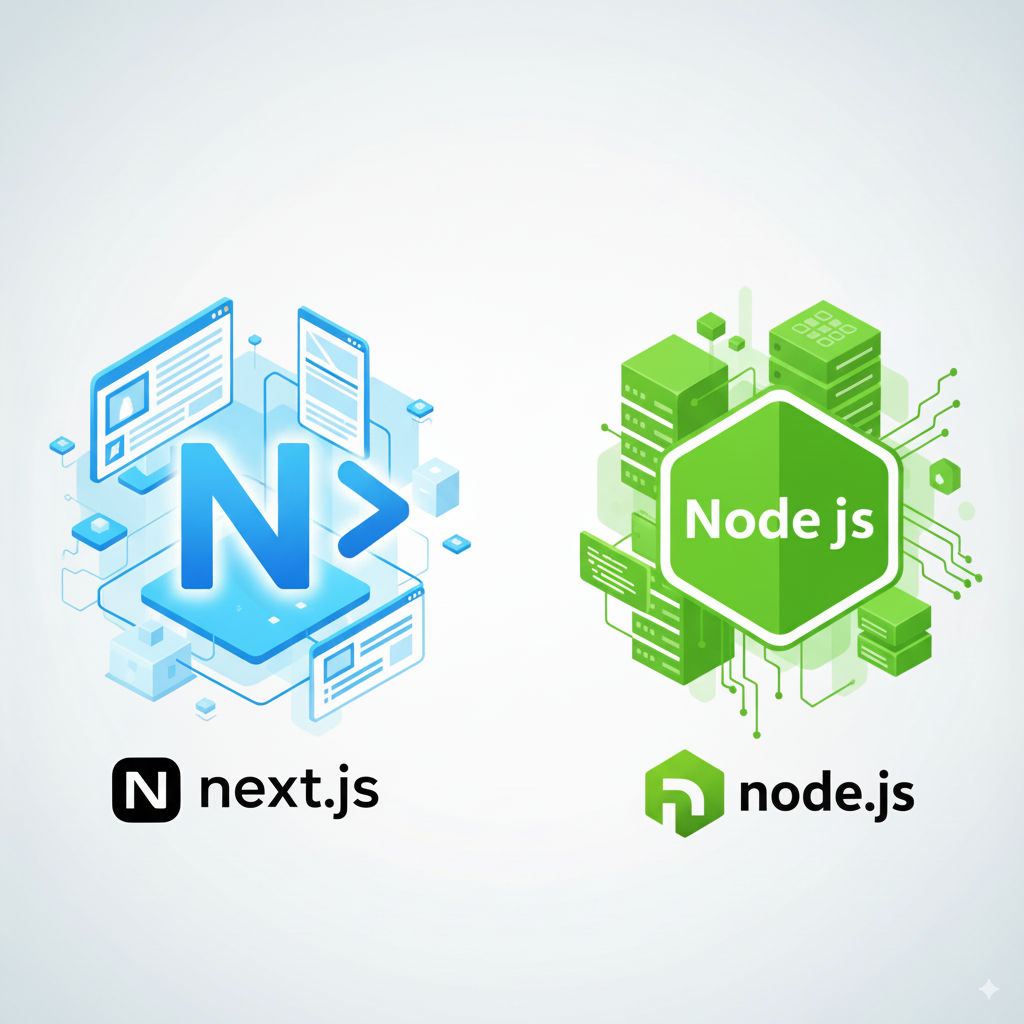
The Next.js vs Node.js debate ultimately dissolves when you realize they are not competitors. They are partners in the modern web development stack. Node.js provides the fundamental server-side JavaScript runtime, and Next.js is a powerful React framework that leverages that runtime to build incredible web applications.
For beginners, here's the simplest takeaway:
- If you want to build a server, an API, or a back-end service, you will use Node.js (likely with Express).
- If you want to build a complete web application with a user interface using React, you should strongly consider using Next.js, which will handle the server part for you using Node.js behind the scenes.
Your choice depends entirely on what you are trying to build. By understanding the distinct roles these technologies play, you can move forward with confidence, selecting the right tool for the right job and building more efficient, powerful, and scalable applications.
Frequently Asked Questions
Common questions about Next.js or Node.js? A Simple Guide for Beginners
You don't need deep Node.js expertise, but understanding the basics helps. Next.js runs on Node.js under the hood, so familiarity with npm, modules, and basic server concepts will make your learning smoother. Focus on React fundamentals first that's the more important prerequisite.
Next.js can handle many backend tasks through API routes and server actions, but it's not a full Node.js replacement. For complex backends real-time systems, heavy background processing, or standalone microservices you'll still want a dedicated Node.js server or framework like Express or NestJS.
Next.js optimises frontend delivery through static generation, server-side rendering, and automatic code splitting, making page loads faster for users. A plain Node.js server gives you more control over raw performance but requires you to implement those optimisations yourself.
Bare Node.js makes sense for lightweight utilities, CLI tools, real-time servers (like chat applications), or when you need maximum control over every aspect of request handling. For web applications, a framework almost always saves time and reduces bugs.
You can build simple to moderate APIs using Next.js API routes. However, for production APIs with complex routing, middleware, validation, and database layers, a dedicated backend framework provides better tooling, separation of concerns, and long-term maintainability.
Harshad Ladva
Web Development Lead · GroveTech Solutions
Harshad leads web development projects at GroveTech, specialising in PHP ecosystems, WordPress, and Laravel. He brings a pragmatic approach to platform selection.